
How to Check Page Speed in Bulk: Top 8 Tools For 2026
The average cart abandonment rate is close to 80%.
Website performance isn’t just a tech issue – it directly affects profit, traffic, and conversions. A slow-loading site often sends customers running before your content even loads.
Page speed testing is always crucial for eCommerce sites and informational websites. Eventually, it affects bounce rates, time spent on pages, and overall ROI.
The real challenge? Analyzing multiple pages at once.
And this is where experts seek an answer to the question: “How do you check page speed in bulk?“
The bulk page speed analysis tools we’ve presented today help tackle this issue. They offer scalability, flexibility, and insights to keep your online presence strong.
No matter if you run an online store on Shopify, Magento, or WooCommerce – these tools will help you with page experience.
Let’s go through the tools and explore their features.
Top Bulk Page Speed Testing Tools
Here are the best tools for bulk page speed analysis. They stand out for their flexibility and unique features and help scale up companies.
Here’s a table of comparison of the top tools to check page speed in bulk:
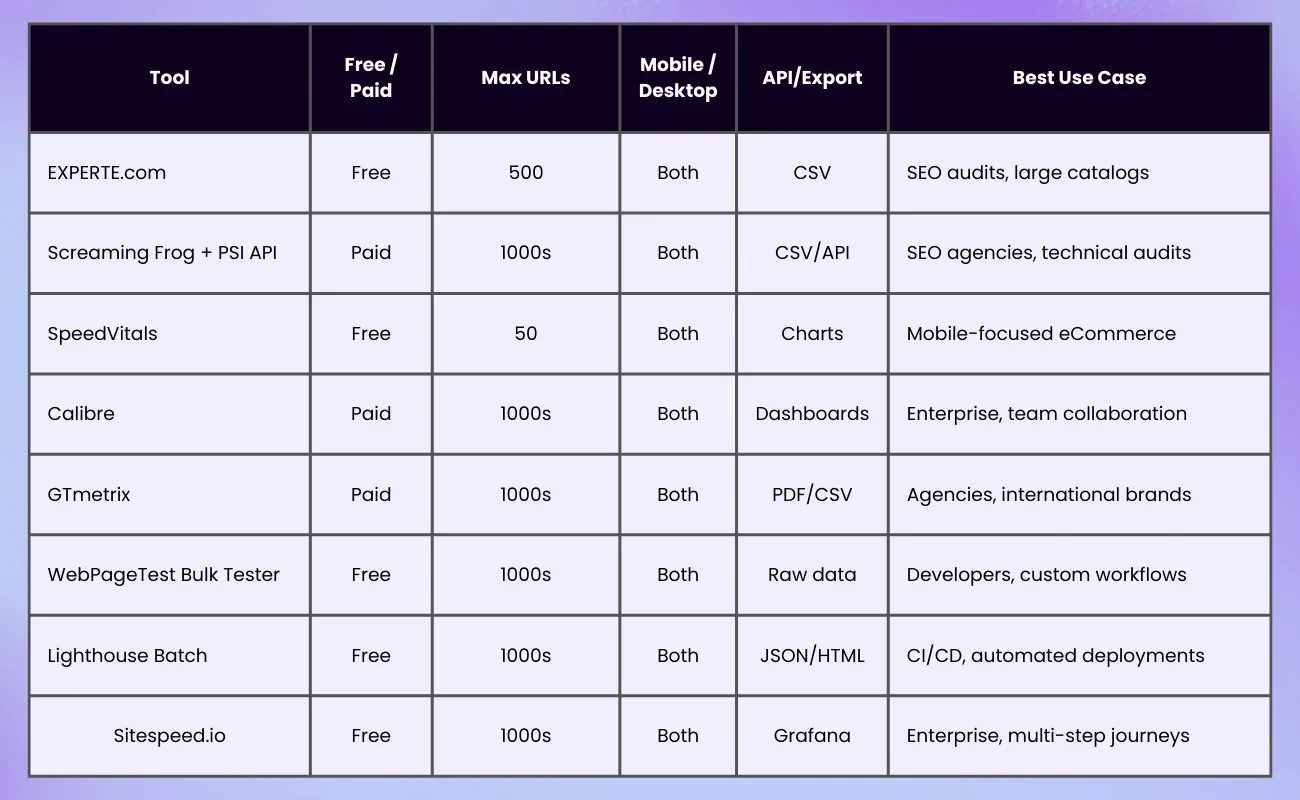
Now, let’s go through them one by one.
1. Website PageSpeed Test by EXPERTE
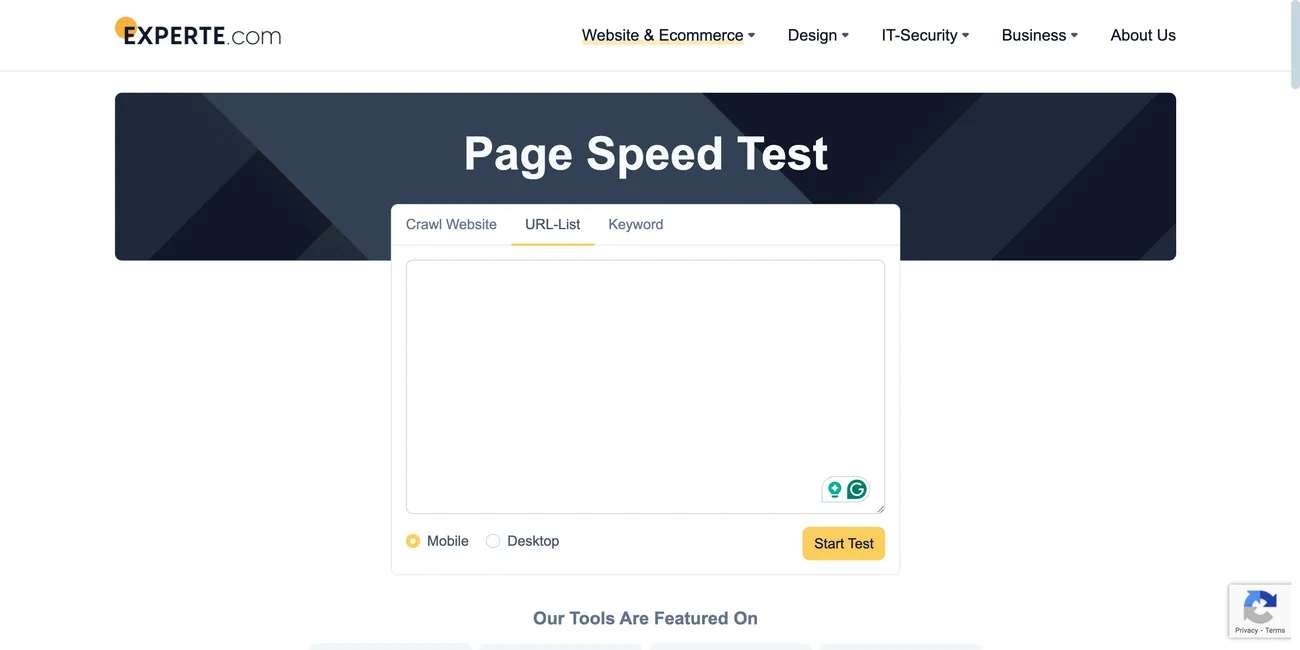
EXPERTE.com offers a free, browser-based bulk page speed checker that crawls your site much like Googlebot.
Designed for big websites, it checks up to 500 URLs per crawl and reports on Google’s Core Web Vitals and other important metrics. Its crawler simulates both desktop and mobile devices, providing separate reports for each.
The tool lets you export results as a CSV. This makes it easy to use in your reporting systems or share with your development team.
Another cool feature here is the ability to analyze the top 50 Google search results for any keyword. This lets you compare your site speed with competitors and find chances to outpace slower rivals.
EXPERTE.com is best for:
- E-commerce stores with large catalogs
- Content publishers managing hundreds of articles
- Agencies running site audits for clients
We’ve chosen EXPERTE.com as the best tool since it’s completely free, doesn’t require login credentials, and runs tests quickly.
And besides, its ability to test an entire sitemap at once gives it an advantage over more limited testing platforms.
2. Screaming Frog SEO Spider + PageSpeed Insights API
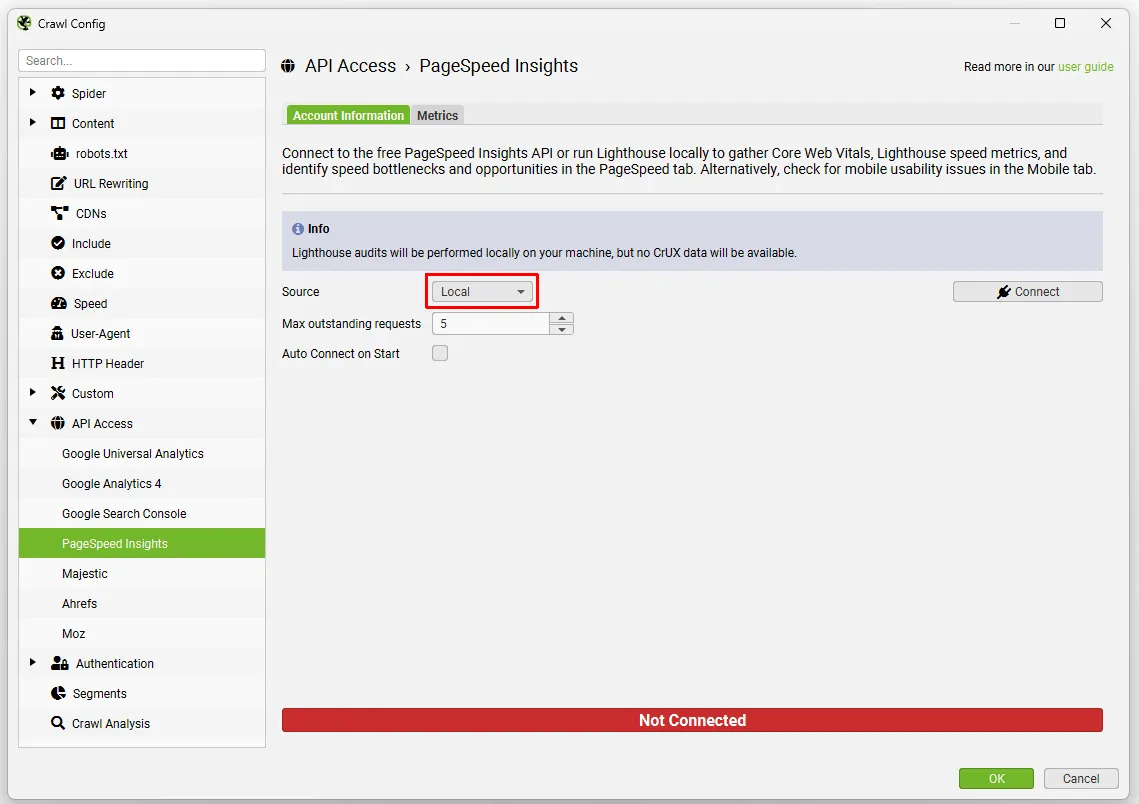
Screaming Frog’s SEO Spider can work with the PageSpeed Insights API. This combo helps you check all your URLs and get performance data straight from Google.
You can track broken links, metadata issues, thin content, and slow pages in one session. This makes it a complete SEO audit and performance testing tool.
This is among the best bulk pagespeed checkers for:
- SEO agencies and marketers
- Corporate brands juggling SEO and development goals
3. SpeedVitals Bulk Tester
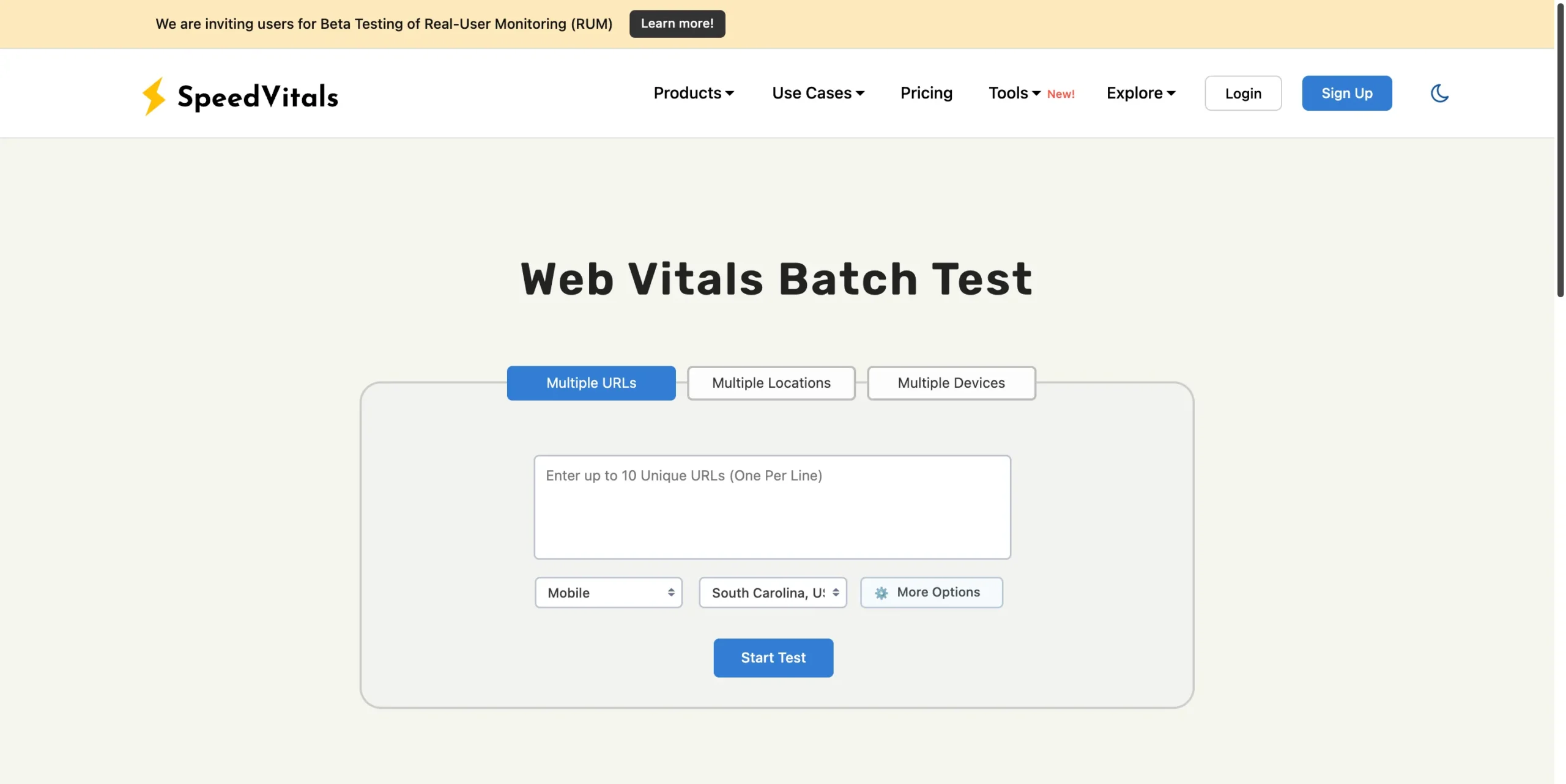
SpeedVitals enhances performance testing. It adds mobile network throttling, time-to-interactive metrics, and server response time details.
Its bulk testing tool allows users to test up to 50 URLs at once (Pro plan), with a strong emphasis on user experience.
The visual reports show graphs, waterfall charts, and field data from Chrome User Experience Reports, if available.
4. Calibre
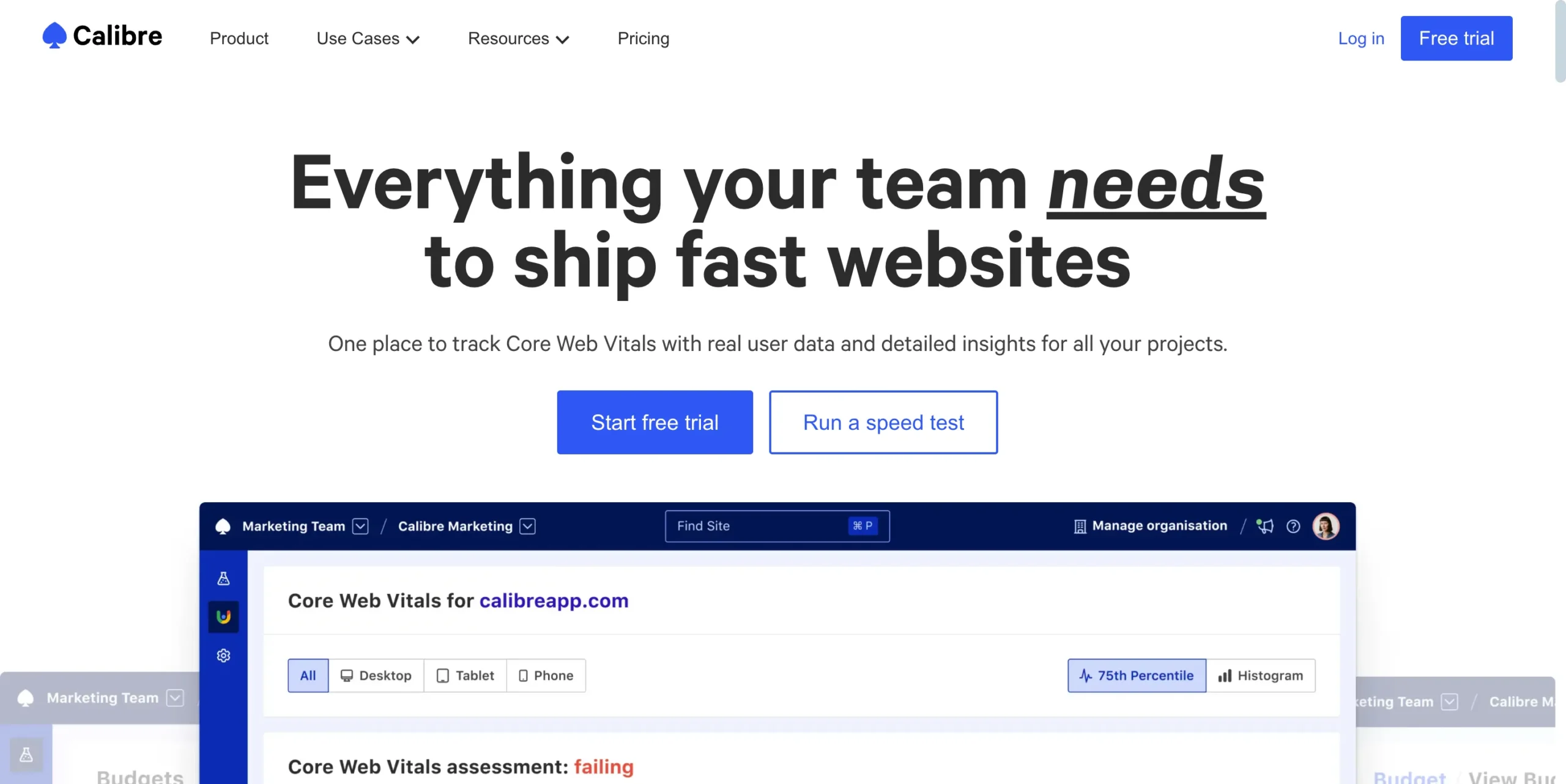
Calibreapp.com shines with its enterprise-level features. It offers performance budgeting, Slack integrations, and custom dashboards.
With Calibre, you can schedule tests, track changes, and assign performance scores based on device and region.
Calibre is good-to-go for:
- Corporate teams tying performance to business KPIs
- Brands treating performance as part of their profit engine
5. GTmetrix Bulk Testing
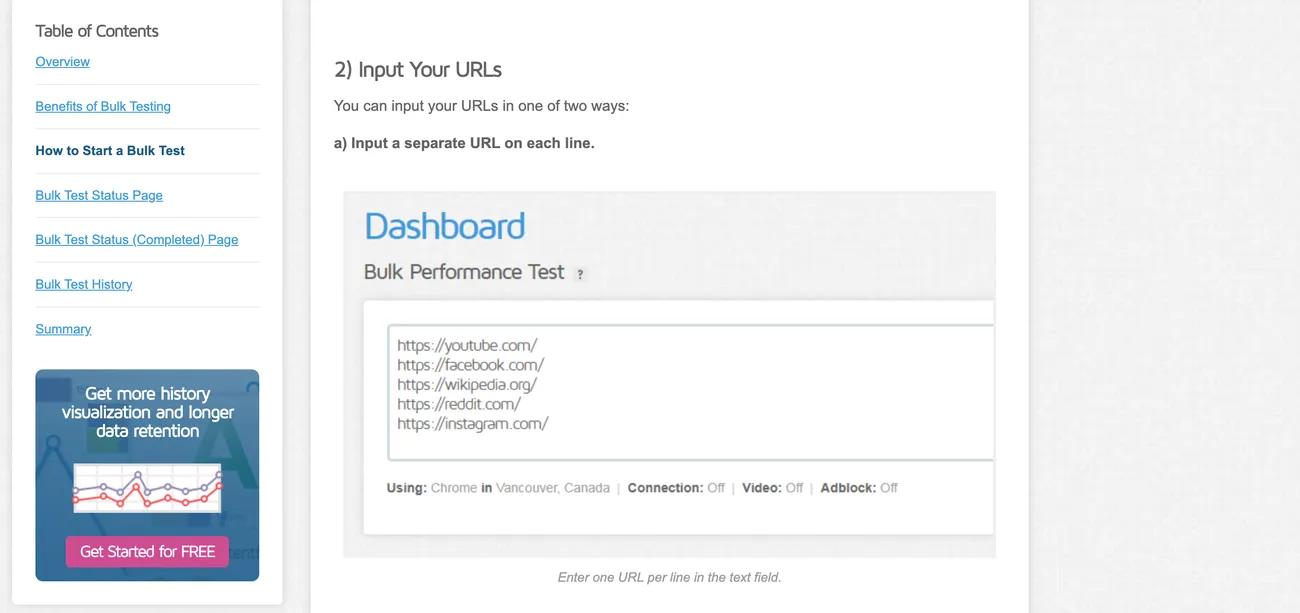
GTmetrix is known for its detailed waterfall charts and actionable recommendations. The bulk testing feature, part of paid plans, lets you upload CSV lists of URLs – this allows for automated speed checks.
The credit-based system allows payments only when a customer uses it. This makes it perfect for agencies and consultants handling many projects.
GTmetrix lets you test on both desktop and mobile. You can also simulate different locations and connection speeds.
This is a great tool for:
- Agencies and freelancers with many clients
- Brands with international or multi-region sites
- Businesses needing detailed, shareable reports
6. WebPageTest Bulk Tester
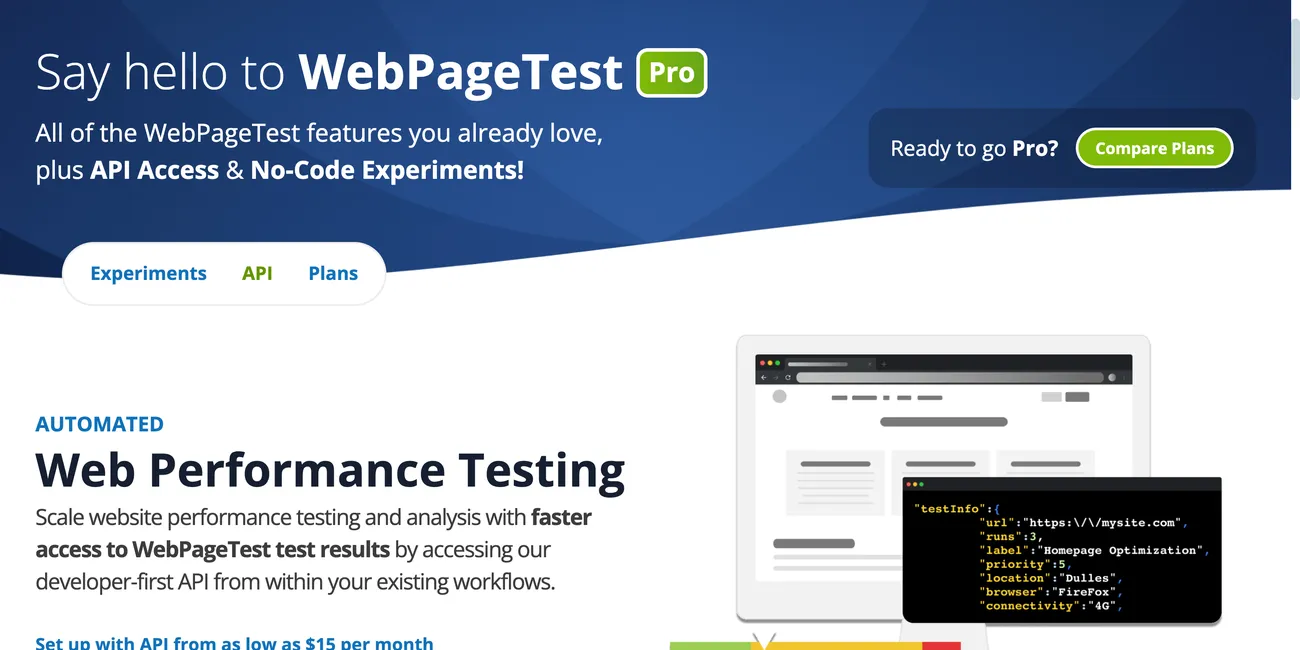
WebPageTest’s open-source bulk tester script lets you run a number of tests automatically on your own setup.
With WebPageTest, you can simulate virtually any device, browser, or network condition.
Above all, the WebPageTest’s script has advanced options – you can script user flows, set cookies, and throttle bandwidth.
Raw data exports integrate with BI tools for in-depth analysis and trend tracking.
Who can get the most out of this tool?
- SaaS and fintech companies with custom workflows
- Enterprises needing on-premise testing for compliance
- Developers seeking deep diagnostic data
7. Lighthouse Batch (CI/CD Integration)
The lighthouse-batch package allows you to run audits on multiple URLs in one go. It ensures that every deployment meets performance standards when added to CI/CD pipelines – this helps stop regressions.
Lighthouse batch allows custom configuration files so you can set thresholds for metrics like LCP, CLS, and TBT.
Lighthouse Batch is best for:
- News sites and blogs with frequent updates
- E-commerce brands with continuous product launches
- Tech teams practicing continuous integration and deployment
8. Sitespeed.io
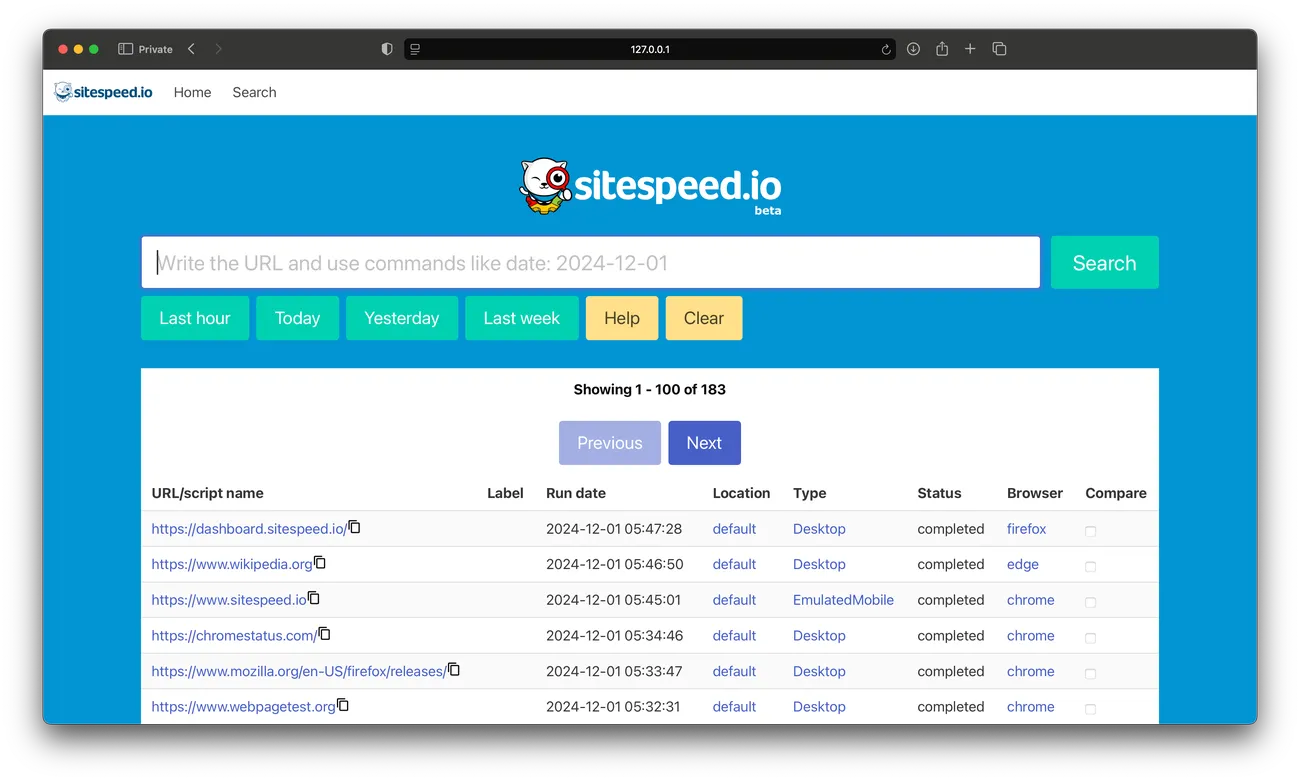
Sitespeed.io is an open-source public tool designed for scaling up enterprise-level websites.
It runs in Docker containers, tests different URLs, and simulates user journeys to implement a bulk website speed test.
In the end, it exports results to dashboards like Grafana.
Sitespeed.io supports scripting for multi-step flows, such as logging in, adding products to a cart, or completing a checkout.
Sitespeed.io is one of the top tools to check page speed in bulk in 2026, built for:
- Enterprises with complex, multi-step user flows
- Brands needing historical trend analysis
- Organizations with strict security and compliance needs
Pro Tips & Recommendations From Onyx8 Experts
Site speed isn’t just about loading times.
For eCommerce websites, it affects conversions.
On the flip side, for content-driven businesses, it influences dwell time.
Here’s a video for more insights on this engagement metric below:
Both impact search engine rankings and visibility. A one-second delay can mean millions in lost revenue – just ask Amazon or Walmart.
When scaling up, checking the speed of one page at a time doesn’t cut it. Bulk analysis saves time and uncovers patterns you’d miss with manual testing.
You can compare templates, check ad-heavy pages, and make better choices in strategic planning.
One slow page can make your bounce rate jump, but a slow website can hurt your whole business. For the eCommerce industry, even a one-second delay in load time can reduce conversions.
For informational sites, slow speeds mean lower engagement and fewer returning visitors.
So it’s the same in both cases.
Pay attention to Core Web Vitals report in Google Search Console, for example. If some pages perform poorly, they can lower your whole domain’s visibility.
Increase Page Speed With Onyx8 Agency
Successful eCommerce strategies must be regularly updated and follow the latest trends and updates.
There are many factors that can ruin even a great strategy. When it comes to the technical side of things, Onyx8 is here to help you with them.
As an award-winning web development agency, we specialize in creating scalable eCommerce stores for local, national, and international brands.
Our comprehensive approach delivers measurable results, we provide complex solutions that include:
Contact our team to schedule a Free consultation – our experts will fix all page speed and other technical issues and refine your brand strategy.